Digital Basics
Computer Fundamentals
Start from zero and get comfortable with a computer: files, the internet, email and staying safe online.
Beginner4 weeks
$99
View courselive-class / room-2

Popular courses
Practical courses for every level, from your very first click to writing real code. Every course runs in class and live online.
Digital Basics
Start from zero and get comfortable with a computer: files, the internet, email and staying safe online.
$99
View courseOffice & Productivity
Write professional documents in Word, organise data in Excel and build clear presentations in PowerPoint.
$149
View courseOffice & Productivity
Go beyond the basics with lookups, pivot tables and dashboards that turn raw data into clear answers.
$179
View courseDesign
Learn layout, colour and typography, then design posters, logos and social posts in Canva and Photoshop.
$199
View courseProgramming
Build and publish real websites with HTML, CSS and JavaScript, from your first page to a responsive portfolio.
$349
View courseProgramming
Learn to think like a programmer with Python, the friendliest first language, and automate everyday tasks.
$249
View courseHow it works
No entrance tests and no long waiting lists. Here is what learning with us looks like, from the first message to the last class.
Browse the catalog, or tell us your goal and an advisor will suggest the right place to start.
Choose weekday mornings, evenings, weekends or live online. Classes never go above 12 students.
Every lesson ends with a hands-on exercise on your own computer, with your instructor right beside you.
Finish the final project and receive a certificate you can add to your CV and LinkedIn profile.
Why ByteWise
Whether you are touching a computer for the first time or adding skills for a promotion, every class is designed around practice, not long lectures.
12
Students per class, at most
Your instructor knows your name, sees your screen and has time to answer every question, even the ones you think are silly.
No sharing screens and no waiting your turn. You practise every single step yourself.
Study before work, after work or at the weekend, in our classroom or live online from home.
Trainers who use these skills at work and explain them in plain, friendly language.
Help with your CV, your LinkedIn profile and interview practice when you finish.
Instructors
Every trainer teaches small groups and stays with your batch from the first lesson to the final project.
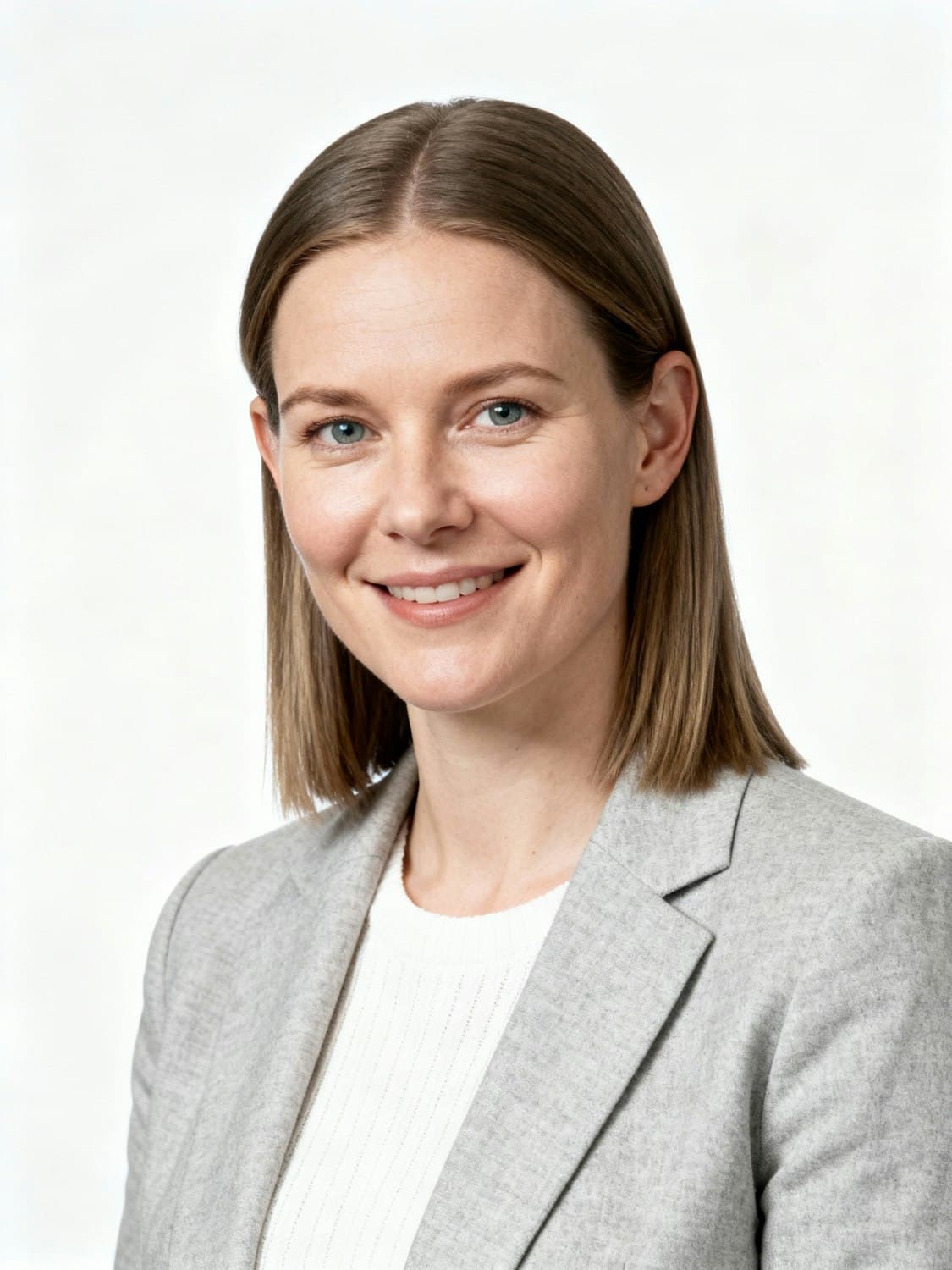
Office & Excel trainer
Amira spent eight years running a busy office before she started teaching. She knows which shortcuts save real time at work, and she has a gift for explaining computers to people who feel nervous about them.

Programming & web instructor
Daniel builds websites and data tools for local businesses and has taught coding for six years. He keeps lessons practical: every class ends with something working on your screen.

Graphic design instructor
Sofia is a freelance designer who creates brands, posters and social media campaigns for small businesses. She teaches design as a set of simple rules that anyone can learn and use.
Teaches
Student stories
Office workers, retirees, students and career changers. Here is what they say after finishing a course with us.
I had used a computer for years without really understanding it. After this course I started making our team's monthly reports in Excel myself, and my manager noticed within a week.
Grace M.
Office administrator
I was nervous on the first day because I could barely use a mouse. Amira was patient with every question, and now I video call my grandchildren and pay my bills online.
Robert K.
Retired teacher
I built my first web page in the second week. By the end I had a portfolio site online, and it helped me land my first freelance client.
Aisha T.
Freelance web developer
Coding always felt like something for other people. Daniel made it click with small projects, and I now use scripts that save me hours of copy and paste at work.
Kenji S.
Logistics coordinator
FAQ
Everything people usually ask before they join their first class.
Still wondering about something?
Send your question with the enrollment form. There is no commitment, and an advisor replies within one working day.
Ask an advisorNot at all. Computer Fundamentals starts from the very beginning, and every course page explains who it is for. If you are unsure, tell us a little about yourself in the enrollment form and we will recommend the right starting point.
No. Every student gets their own computer in class. If you choose live online classes, any laptop or desktop with a stable internet connection works.
Each batch has a maximum of 12 students, so your instructor has time to help you individually in every session.
You receive notes and practice files for every lesson, and your instructor will help you catch up at the start of the next session.
Yes. When you complete the course and its final project, you receive a certificate of completion that you can add to your CV and LinkedIn profile.
Send the enrollment form on this site. An advisor contacts you within one working day to confirm your batch, timing and payment options.
Ready when you are
Tell us which course interests you and when you can study. An advisor will reply within one working day to help you choose the right batch.